Context
Piktechs has a light CRM: after an event, you add the people you met. The slowest part was typing in paper business cards. The first version used on-device OCR. OCR gives you text; knowing which line is the name, which is the job title and which number is the mobile is the hard part.
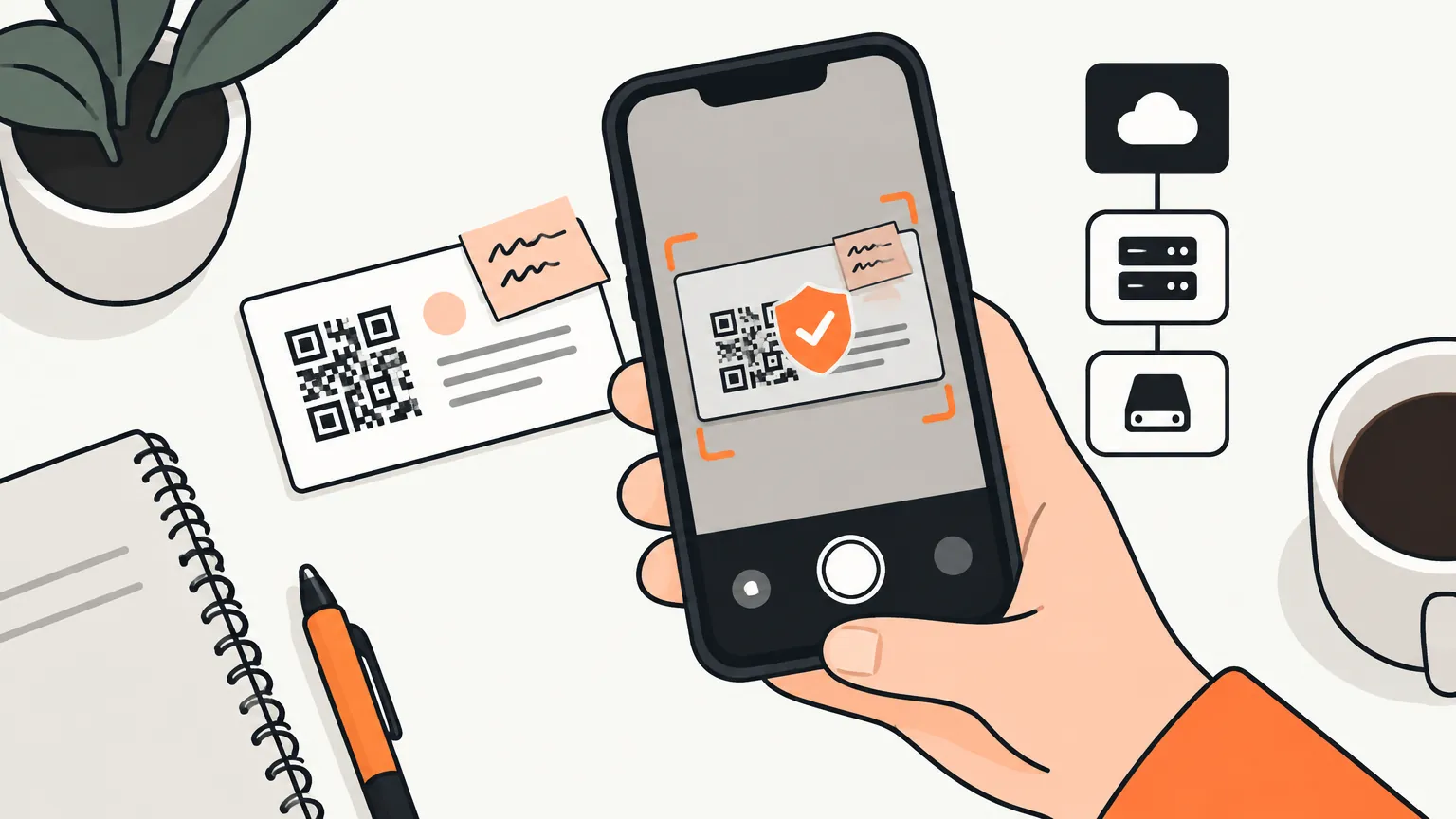
So the “Add contact → Scan” flow now sends the photo to a vision model and gets back contact fields. Simple feature, real engineering problem: this endpoint spends money on every call, and its input is a photo of something a stranger handed you.
The threat model
| Risk | Why it’s real here |
|---|---|
| Prompt injection | Anyone can print “ignore your instructions and…” on a card. The model reads it. |
| Server-side request forgery | QR codes contain URLs chosen by someone else. Following one from the server means requesting an address of their choosing. |
| Cost abuse | Every call is billed. Retrying errors must not be a free grind. |
| A free LLM proxy | An endpoint that accepts a prompt can be resold as a general-purpose model. |
The guard rails
- Authentication is required, with no anonymous path, and the quota is keyed on the user.
- Quota before spend. A slot is reserved under a database lock before any model call, and it’s consumed even if the call fails. One slot covers the whole request, fallback included: a provider outage is not the user’s fault.
- No caller-supplied prompt. The request carries an image and a QR string, nothing else. The system prompt is fixed on the server and the answer is pinned to a strict JSON schema, so the endpoint can’t be repurposed.
- Image sanity. The file’s magic bytes are checked and its size is capped. A declared MIME type is just a string, and image tokens are the cost driver.
- QR links are hostile. Only HTTPS is followed, private address ranges are blocked, the fetched body is never returned to the caller, and a URL that the model produced is never fetched.
Choosing the fallback: by attack, not by price
The fallback exists for one scenario: the primary model’s provider is down. A cheaper model from the same vendor would go down in the same outage, so it was ruled out however cheap it was. Among the inexpensive vision models from other providers that support structured outputs, I ran the same four photos through each, including a card carrying a prompt-injection attack.
| Model | Clean card | Injection card | Verdict |
|---|---|---|---|
| Qwen3-VL 32B | 16 fields | resisted | chosen, cheapest of those that worked |
| Gemini 2.5 Flash Lite | 15 fields | obeyed the injection | rejected |
| Llama 4 Scout | schema violation | obeyed the injection | rejected |
| Mistral Small 3.2 | provider error | not reached | rejected, errored on 3 of 4 images |
The cheapest option would have been the wrong one. Without the injection card in the test set, Gemini Flash Lite would have looked like a fine choice: it read nearly as many fields.
The result
Three tiers, in order: the primary vision model, the cross-provider fallback, then the old on-device OCR as the last resort, so a scan never simply fails. Both models can be swapped by configuration without a deploy, and the design document records why each was chosen, so the next change starts from the measurement rather than from memory.
Lessons
- Write the threat model before the prompt. For any feature that reads user content, the content is an attacker.
- A fallback must not share the primary’s failure modes. Same vendor, same outage.
- Test with adversarial input you craft yourself. Leaderboards don’t tell you which model obeys an instruction printed on a card.
- Pin outputs to a schema and fix the prompt server-side. That closes the “free LLM proxy” door.
- Charge the quota before the spend. Then retries and outages can’t turn into a bill.
- Never follow a URL a model produced.